Balance sheet reconciliation
Every balance tied out. Every anomaly caught.
Associate reconciles every material balance sheet against its supporting source, flags what doesn't tie and gives suggestions to fix anomalies in a click. No more detective work.











All balances supported
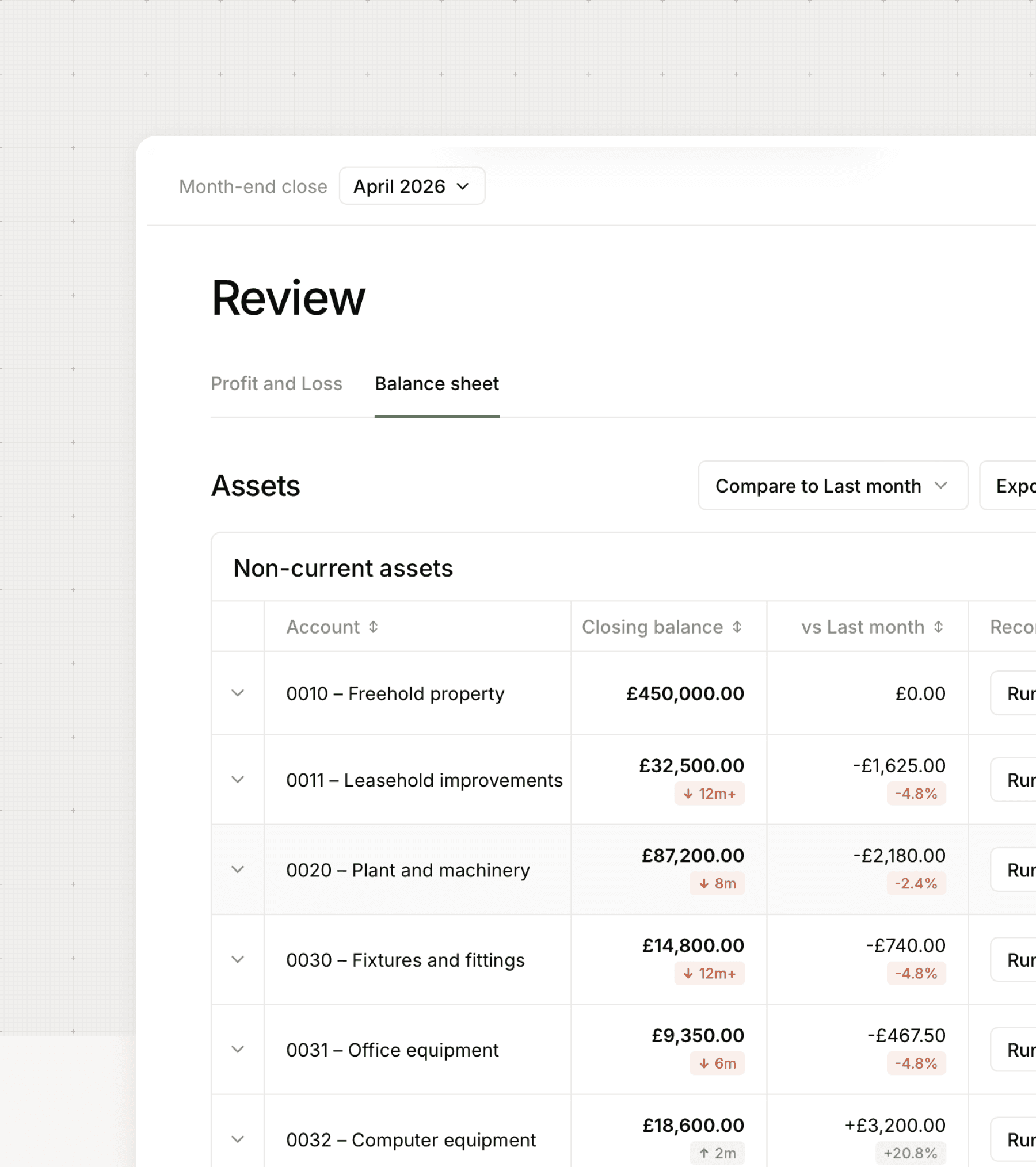
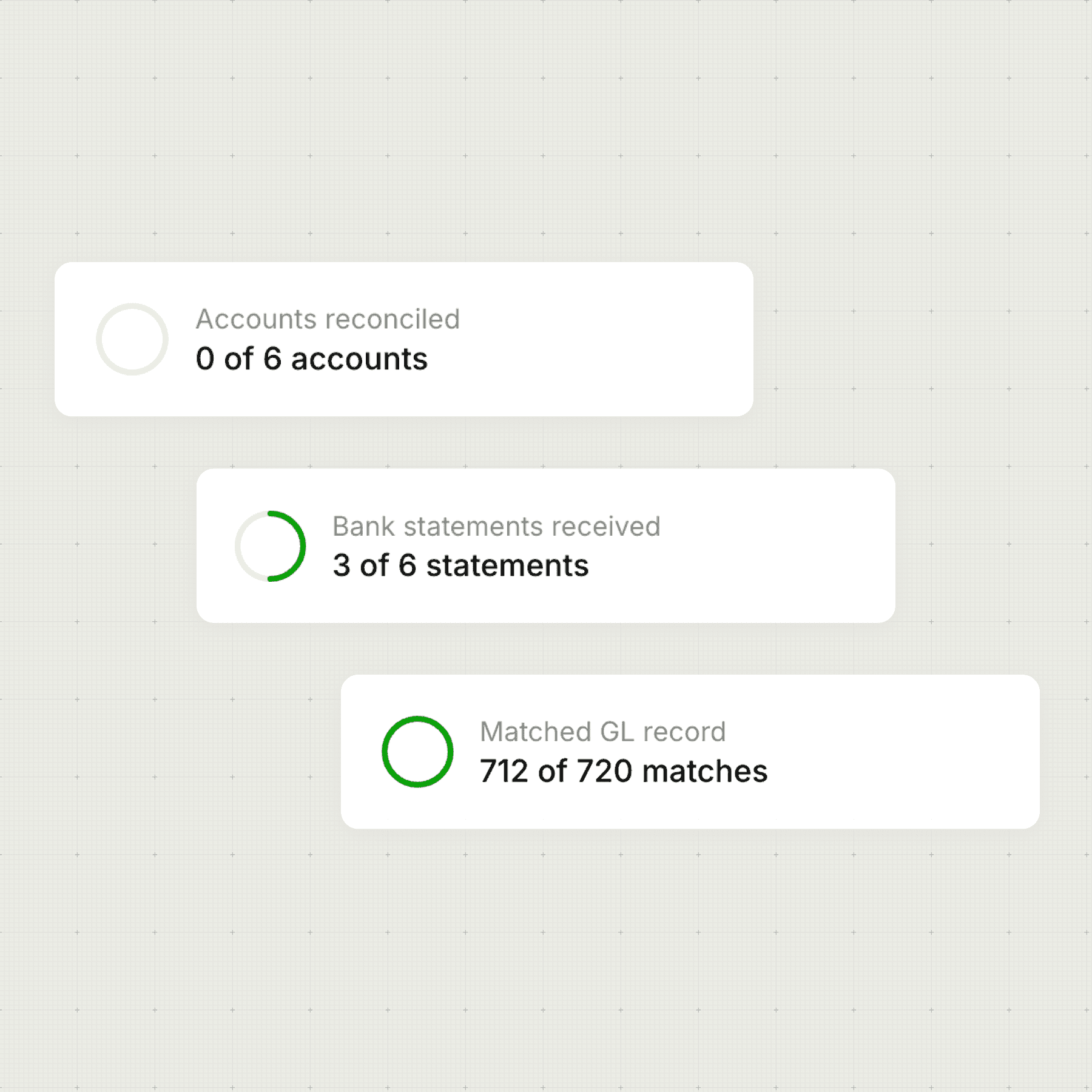
Bank accounts
Every discrepancy categorised before you start looking
Aged debtors and creditors
What's old, what should have cleared, what looks wrong
VAT control account
Return figure tied out against the GL before submission
Director loan accounts
Overdrawn balances flagged
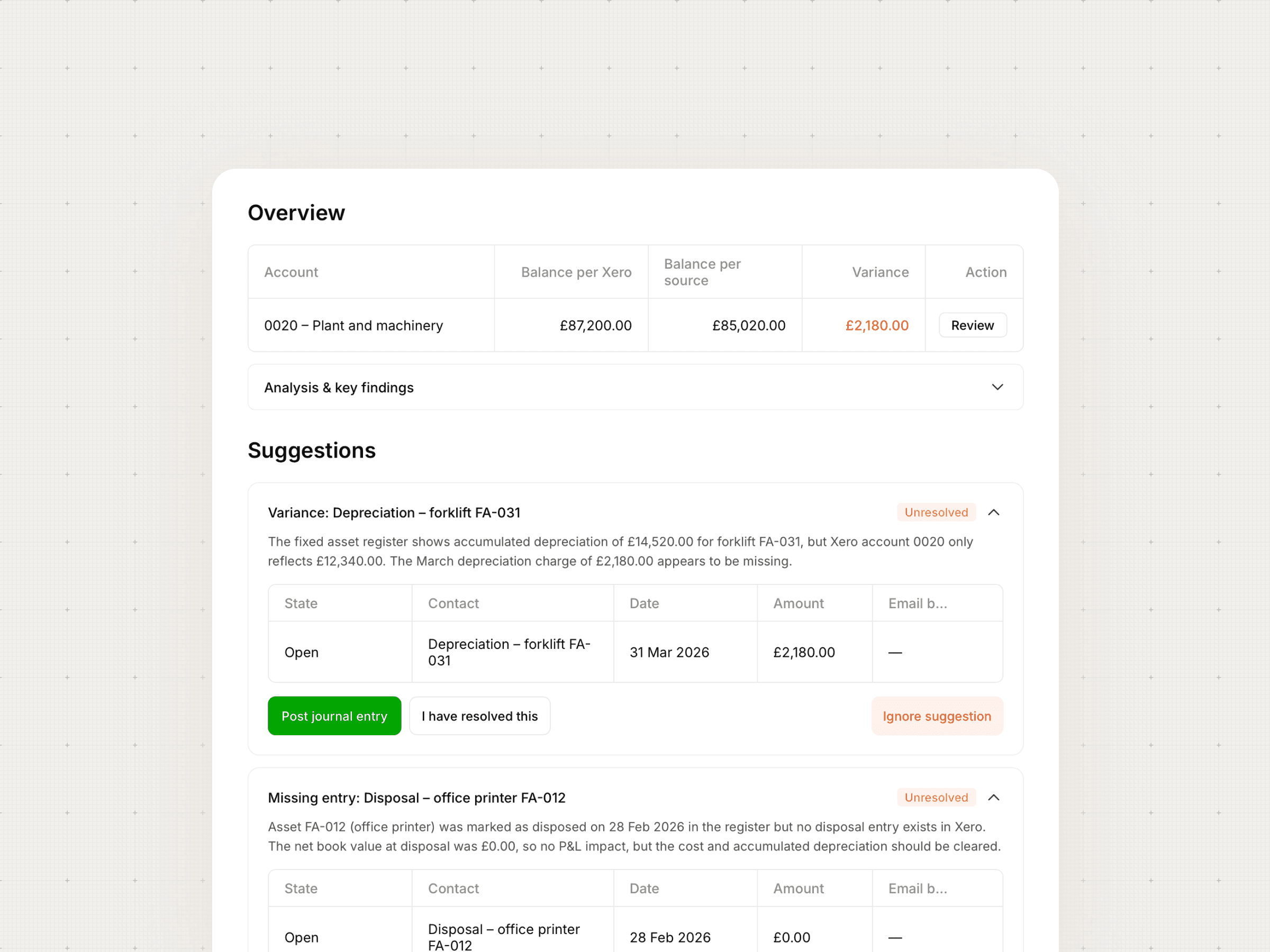
Fixed asset register
Additions, disposals and depreciation checked against Xero
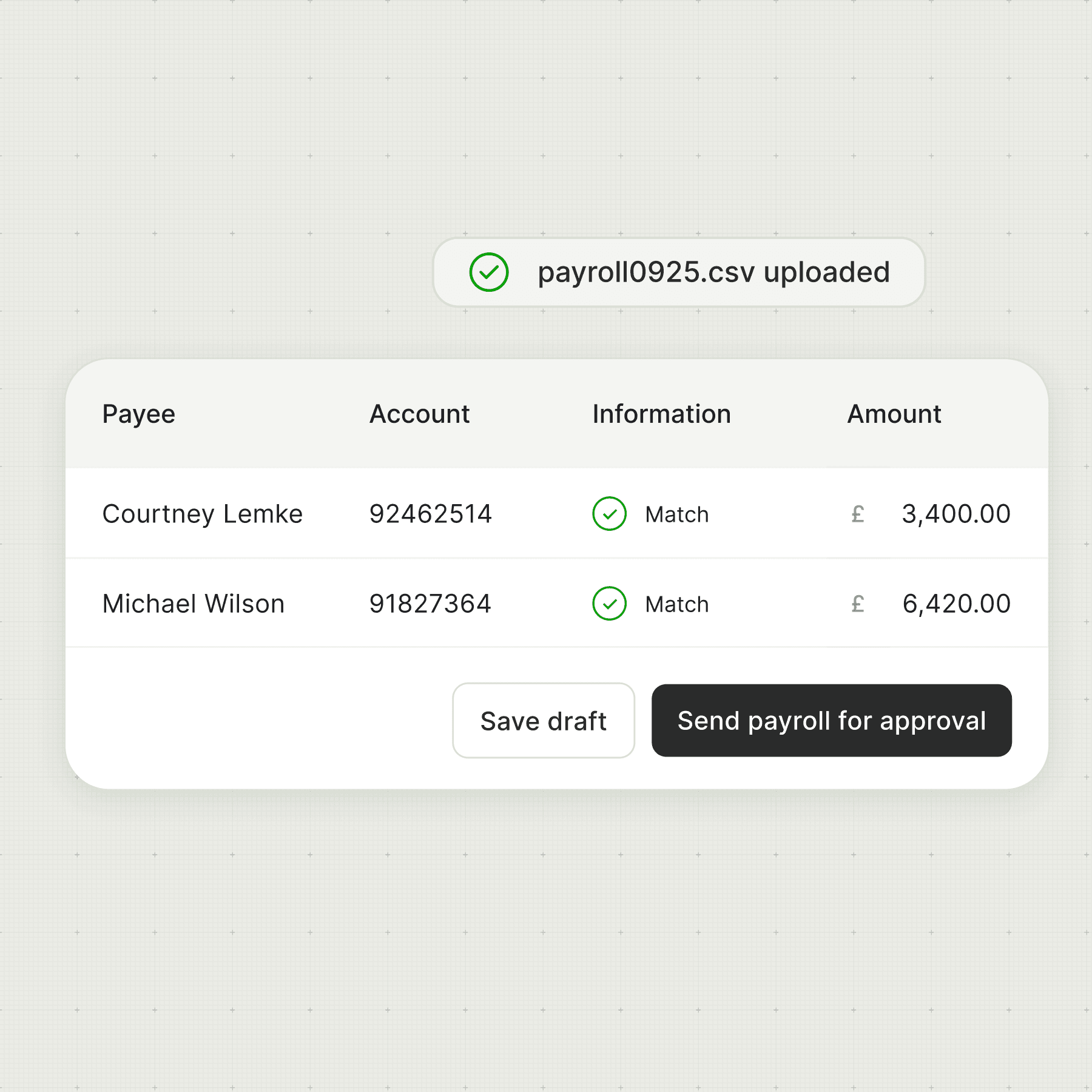
PAYE and payroll liabilities
P&L, balance sheet and bank checked against the payroll report
How it works
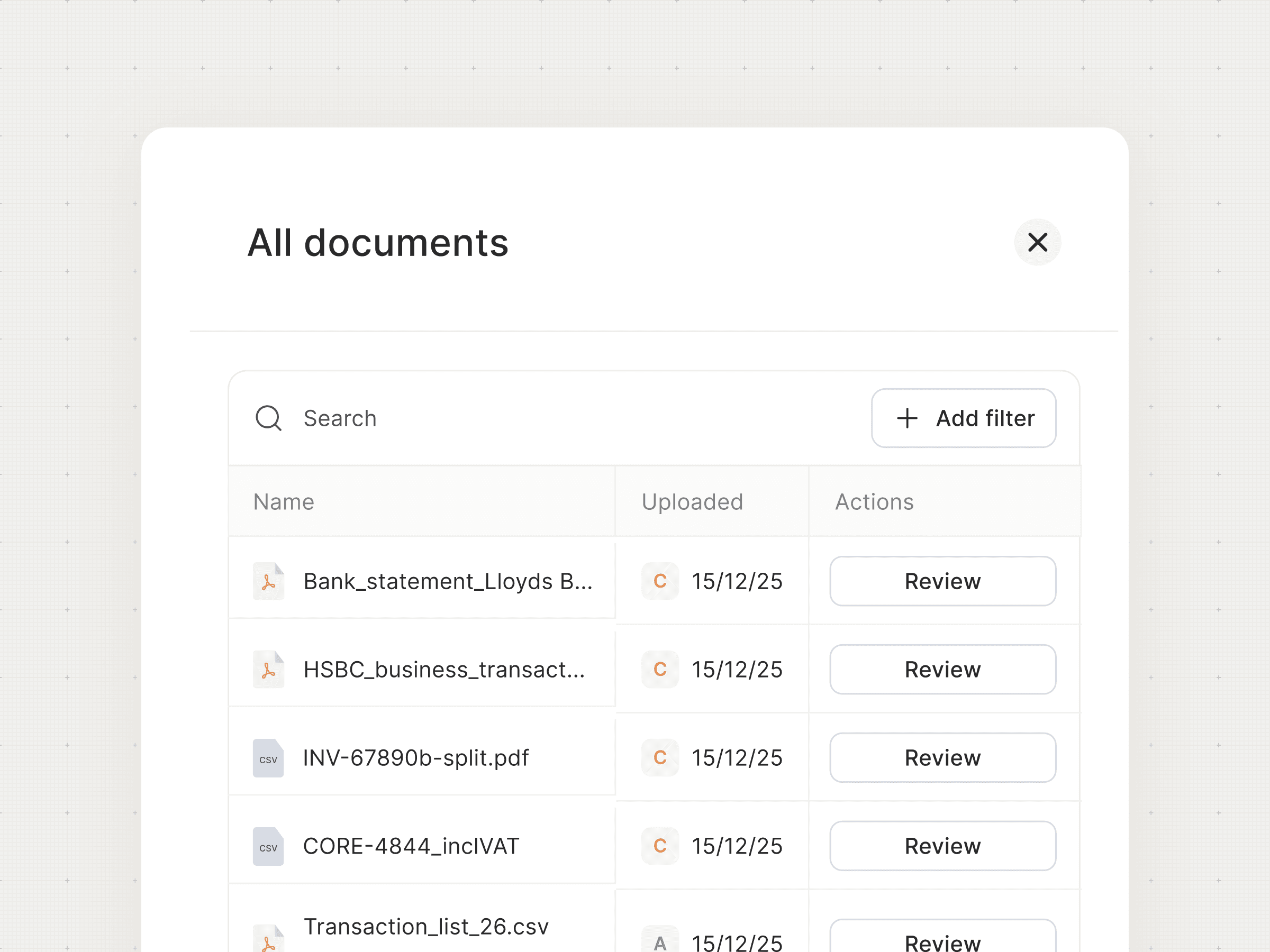
Connect or upload the supporting source
Bank statements, payroll reports, VAT returns, loan schedules, fixed asset registers - uploaded directly or connected via Xero. Associate reads whatever is relevant for that account.
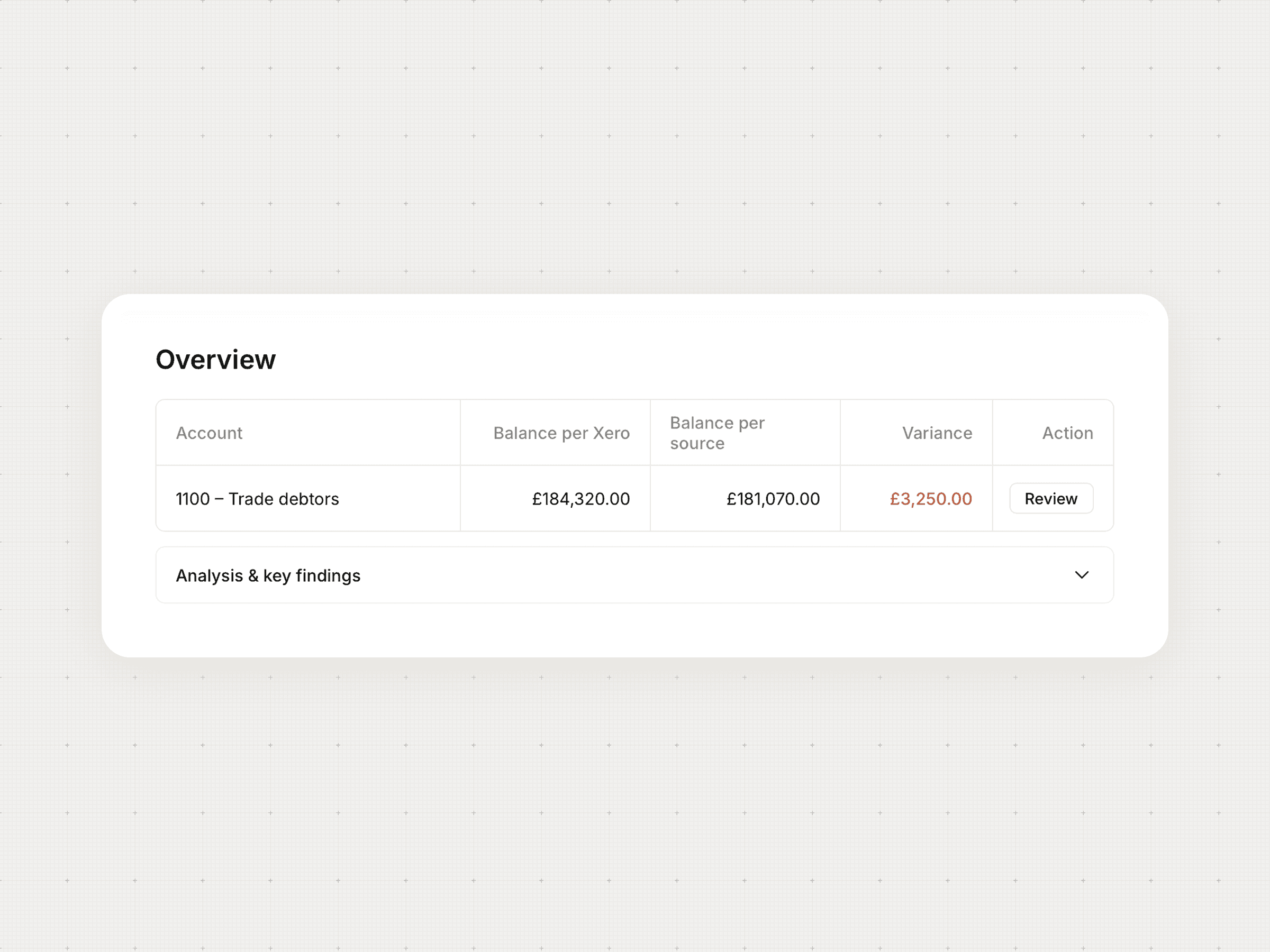
Rollforward calculated automatically
Opening balance + movements = closing balance. Associate does this for every account, categorises the movements and flags anything that doesn't add up.
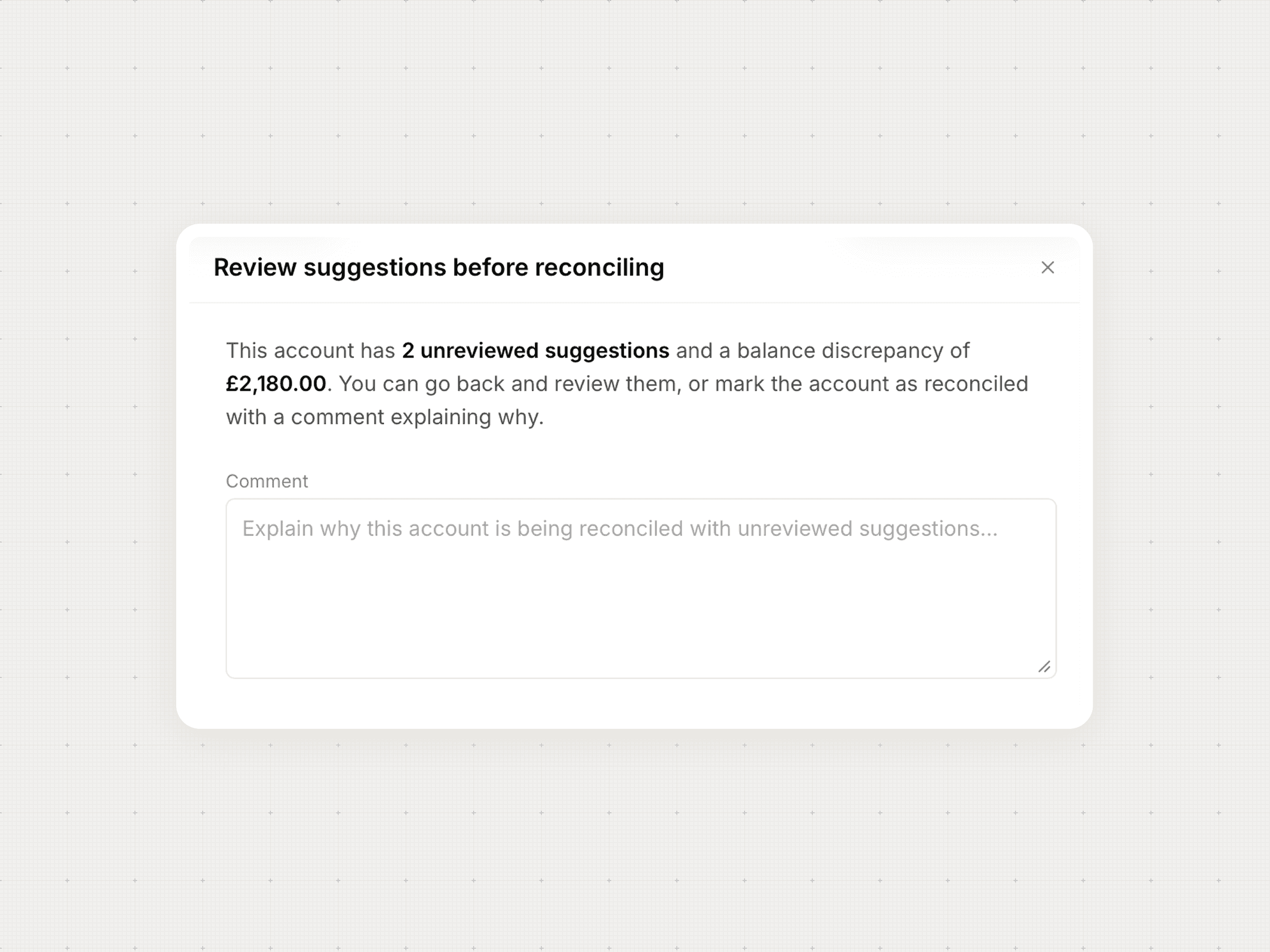
Anomalies caught before sign-off
Wrong debit/credit signs. Overdrawn director loan accounts, with the Section 455 deadline and tax exposure calculated. Balances without supporting documentation. All flagged before finalisation.
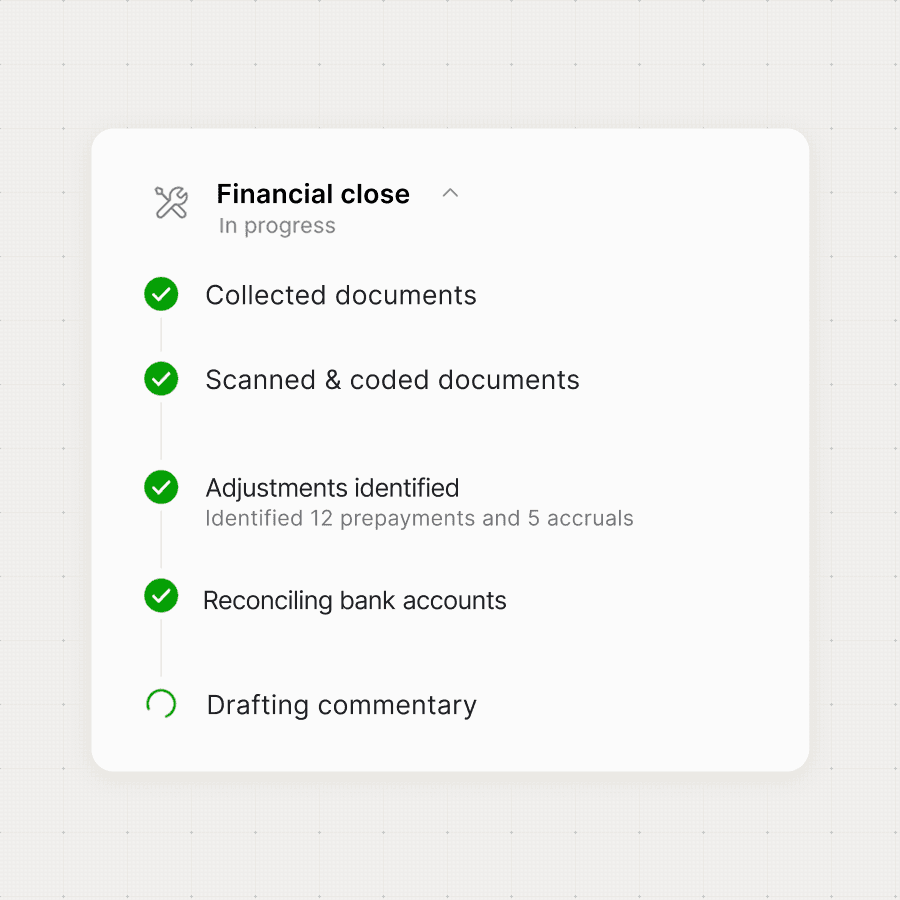
Commentary drafted
Associate drafts balance sheet commentary from the reconciliation work. Ready for the management pack, editable before it goes to the client.