Document Collection
Start every workflow with a complete workfile
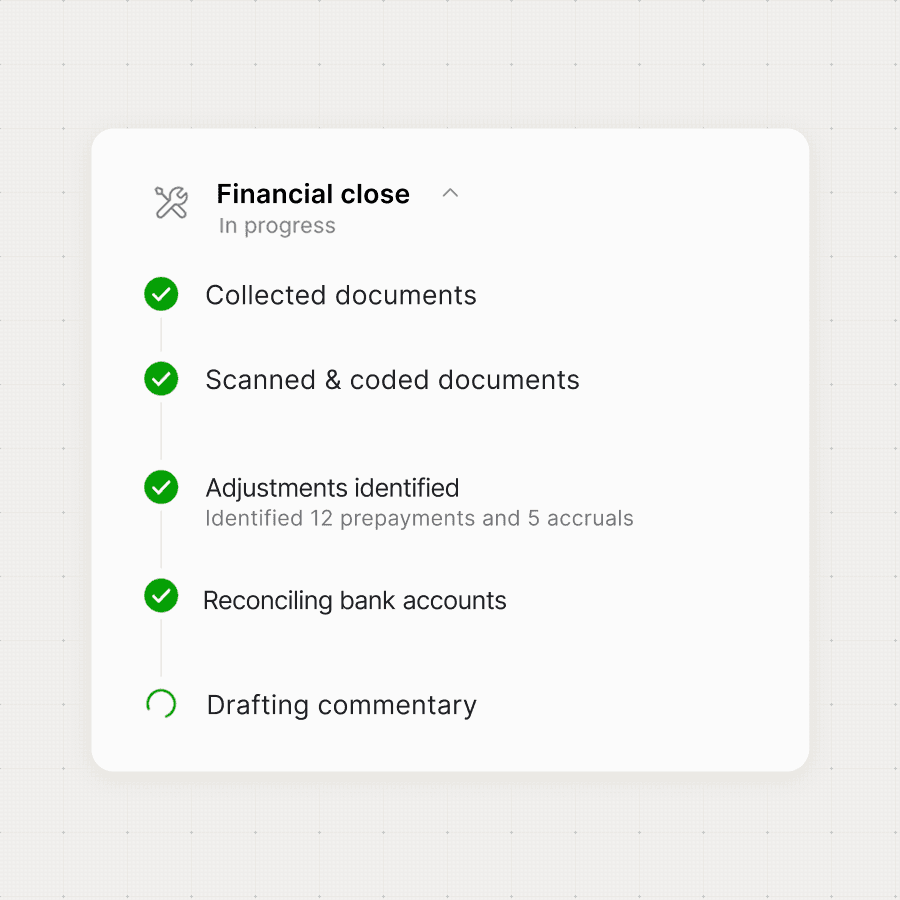
Every missing document identified, every client chased, every file matched when it arrives.
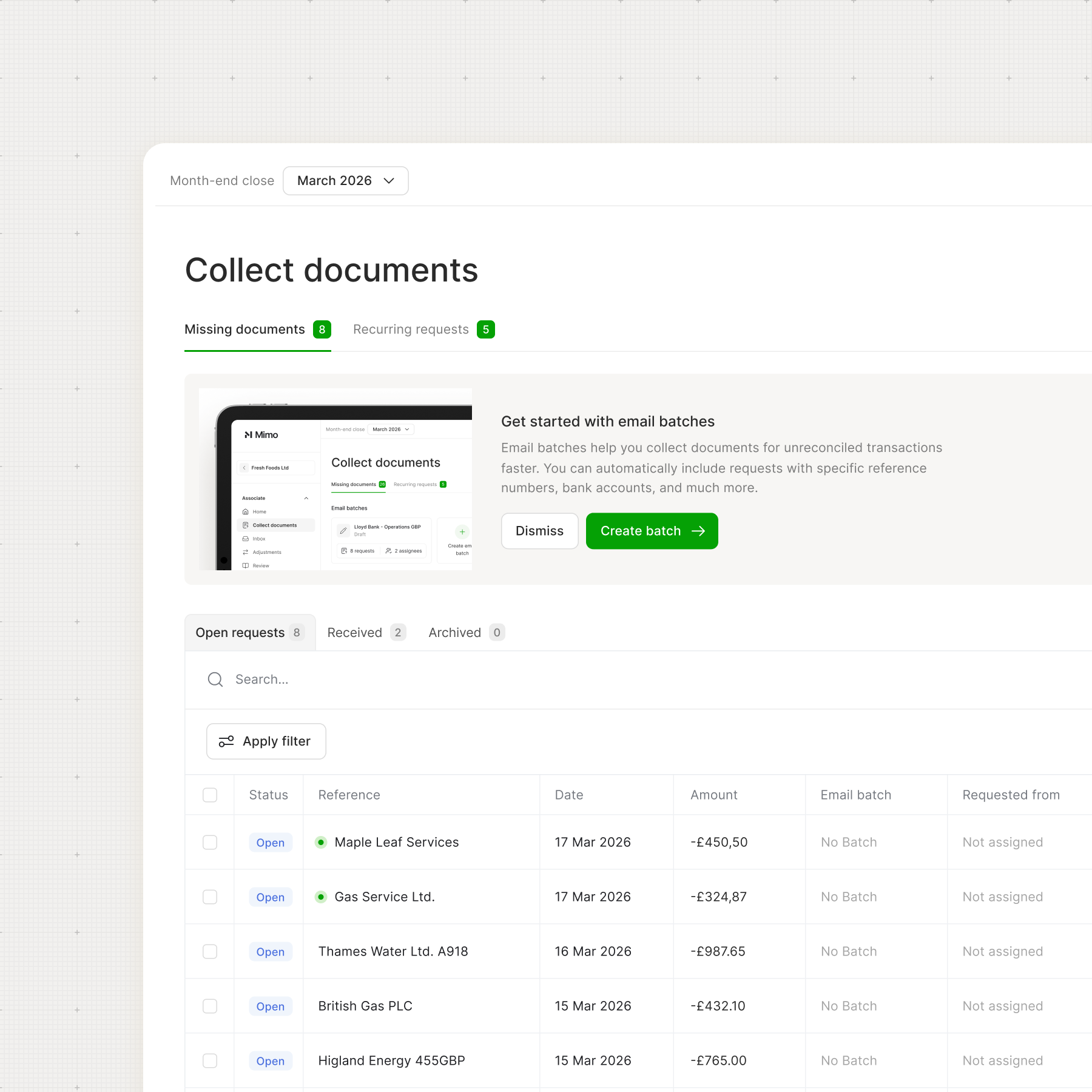
Documents collected, matched and ready - before your team goes looking
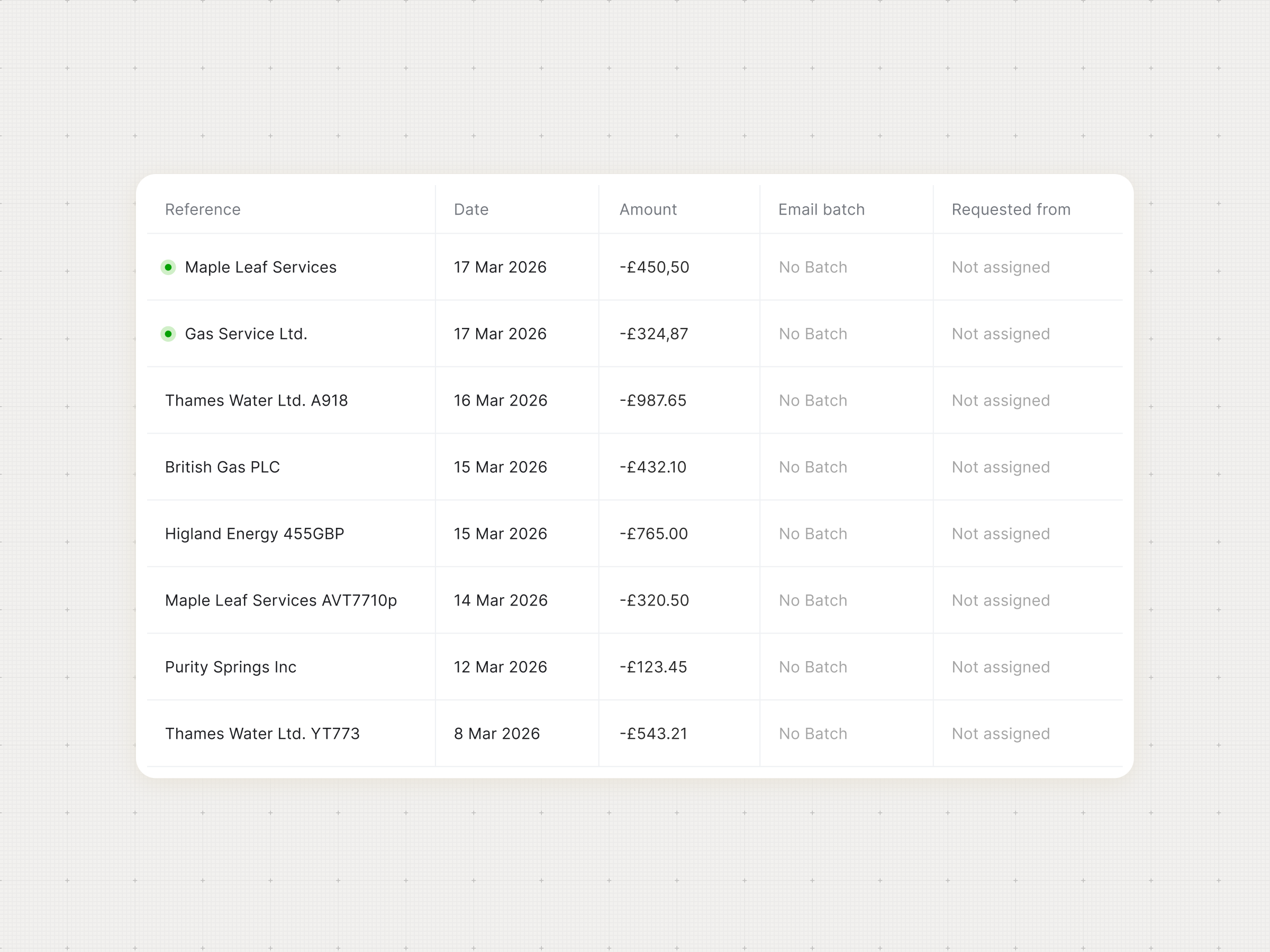
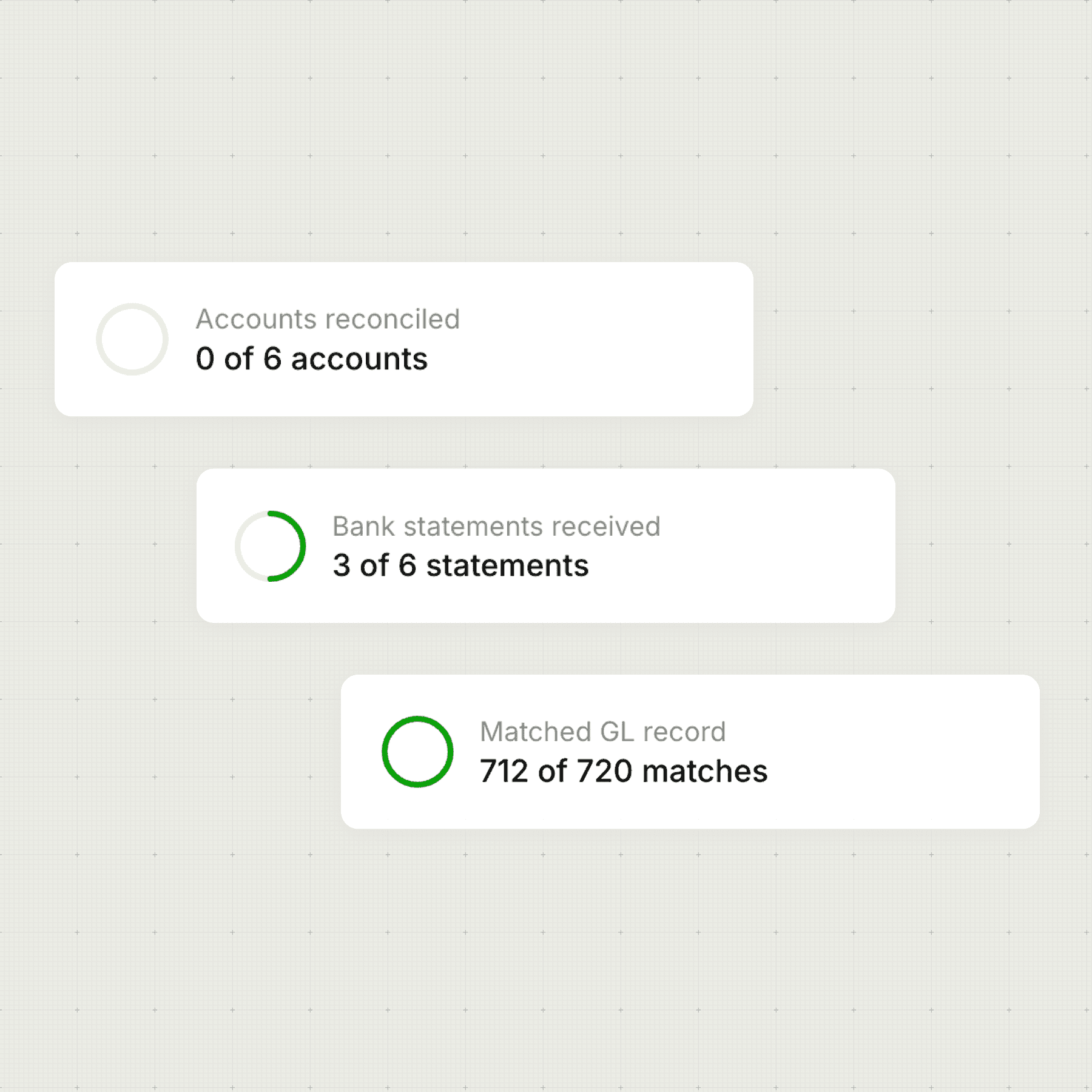
Know exactly what's missing - per client, per period
Each client's Xero setup is read automatically to identify what hasn't arrived yet. Bank statements, invoices and receipts are surfaced as a prioritised list before your team has to go looking.
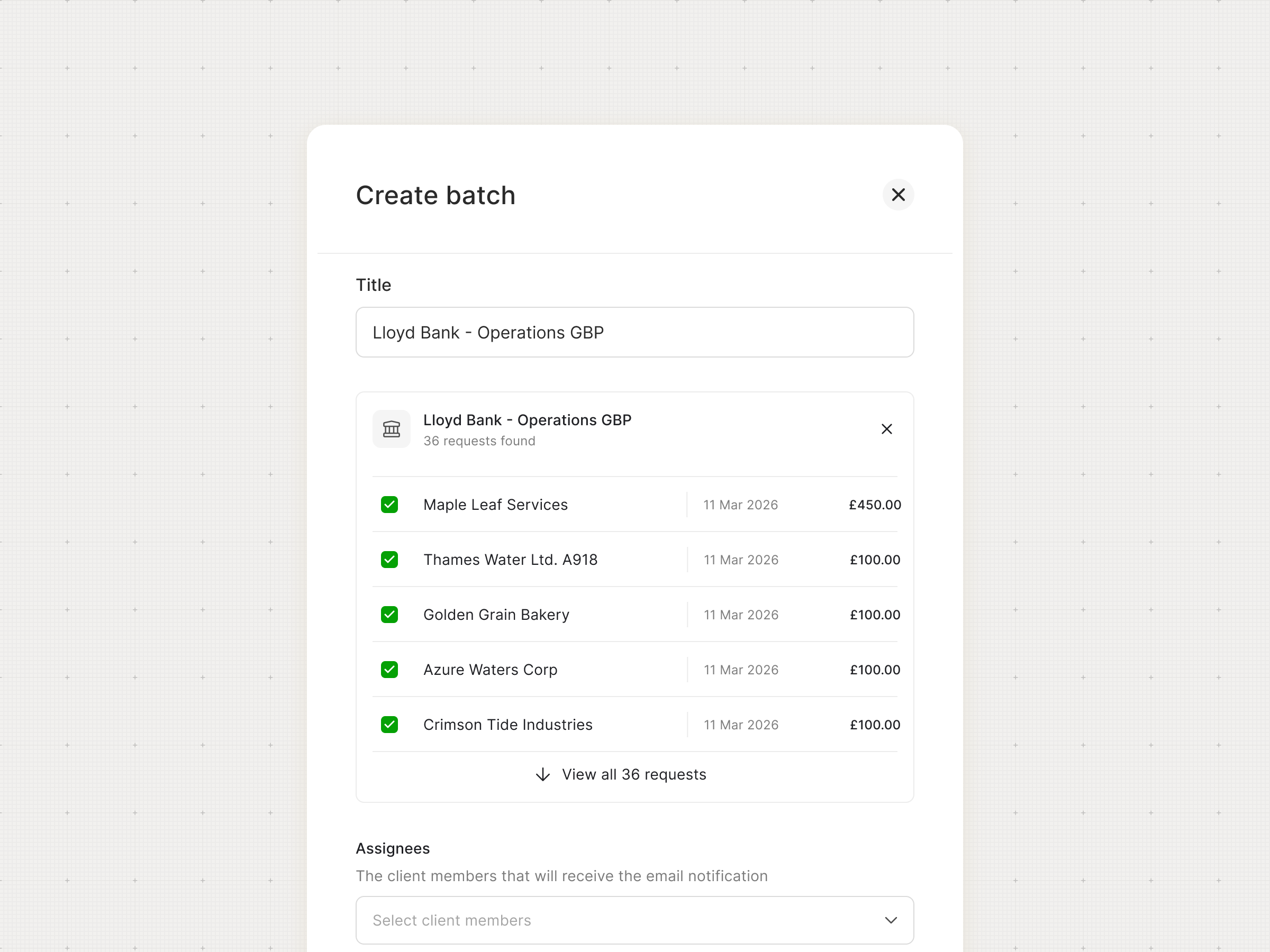
Build a batch. Send everything at once.
Curate a list of document requests, preview exactly what's going out and to whom, then send immediately or schedule for later. Add, remove or adjust anything before you send.
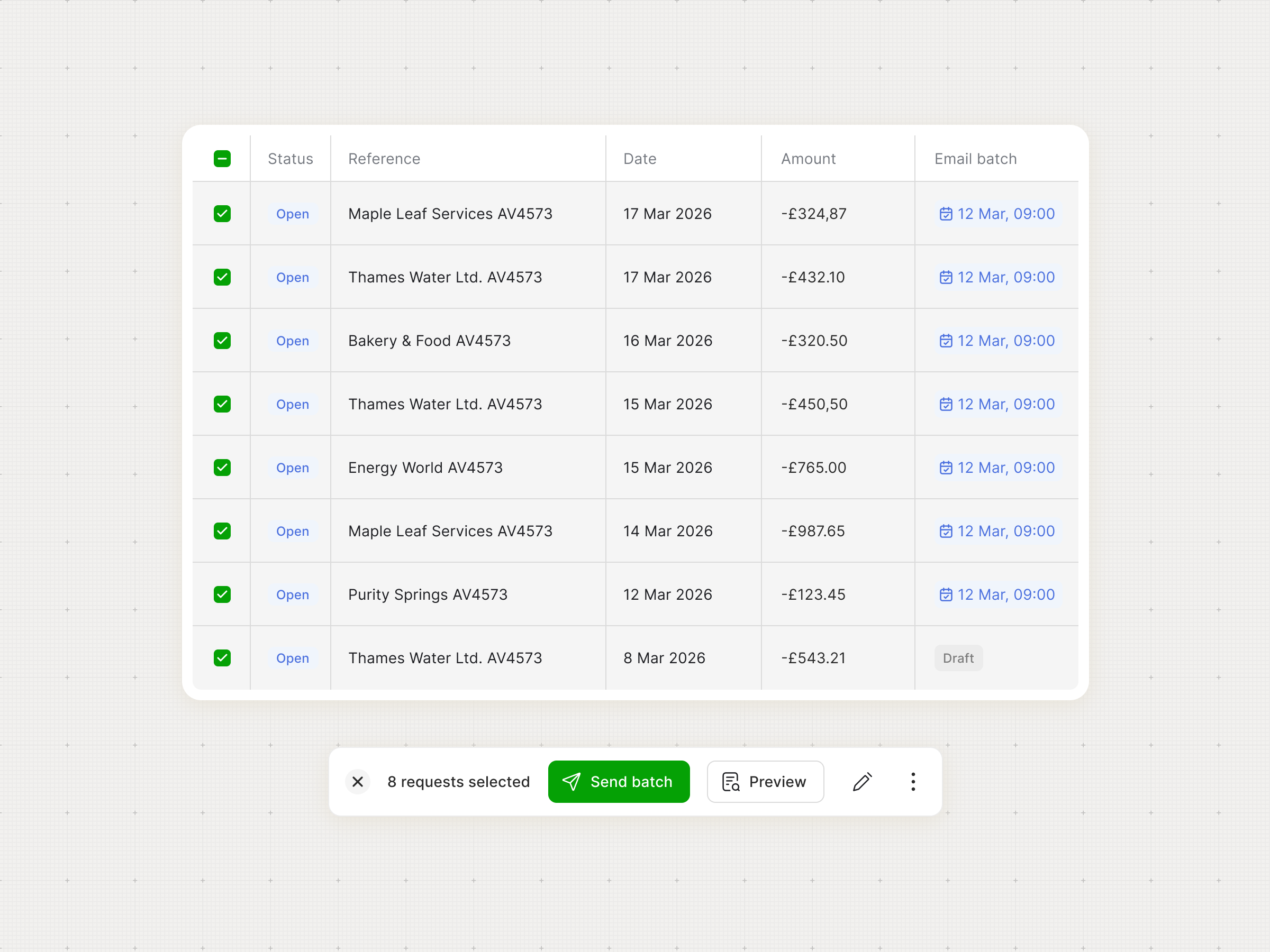
Automate reminders, or send at will
Once a request is sent, reminders run automatically to clients at the cadence your firm sets. Or, trigger reminders manually if you prefer to stay in the loop on client communication. Either way, only what's still missing gets surfaced.
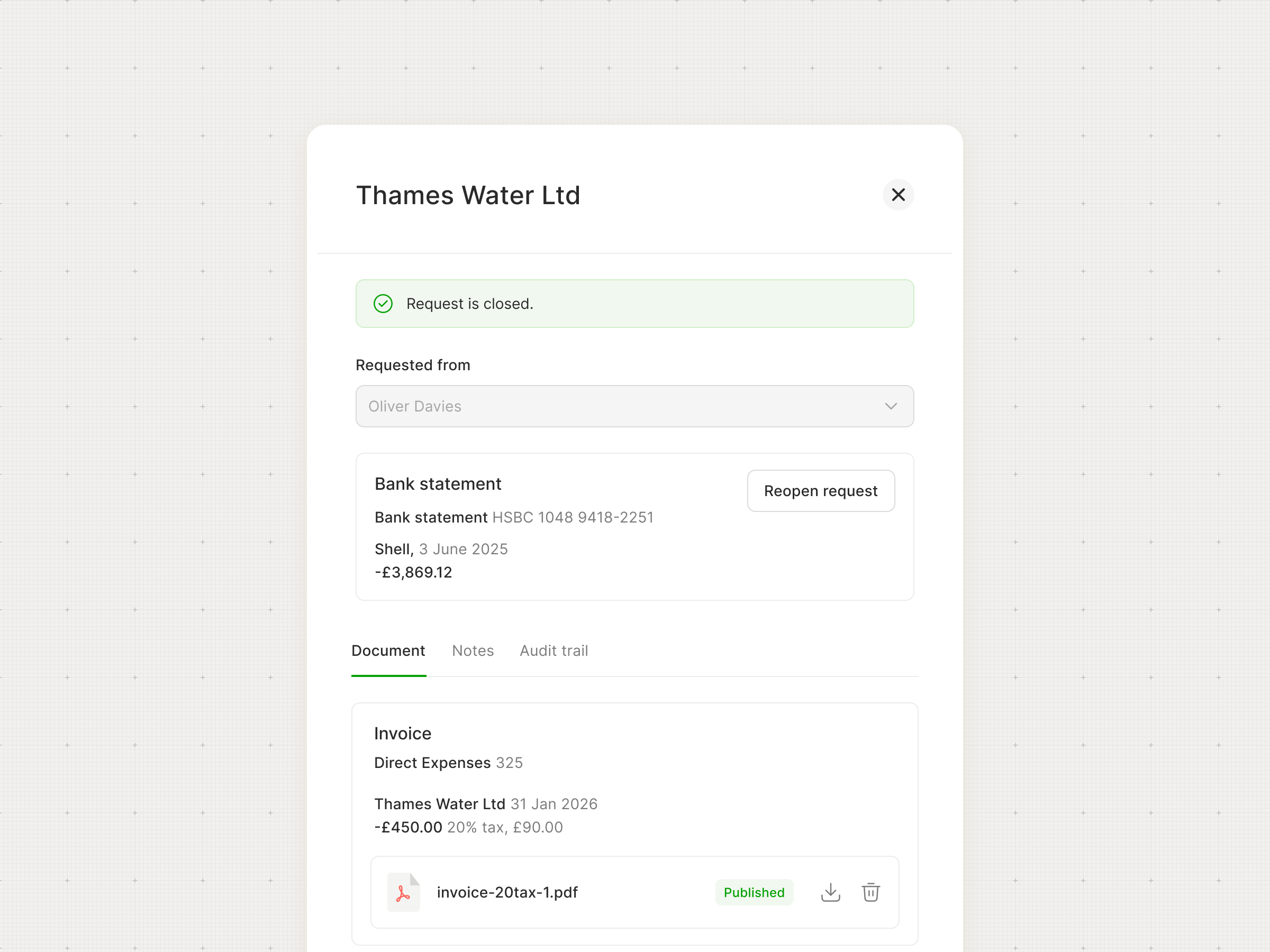
Documents matched on arrival
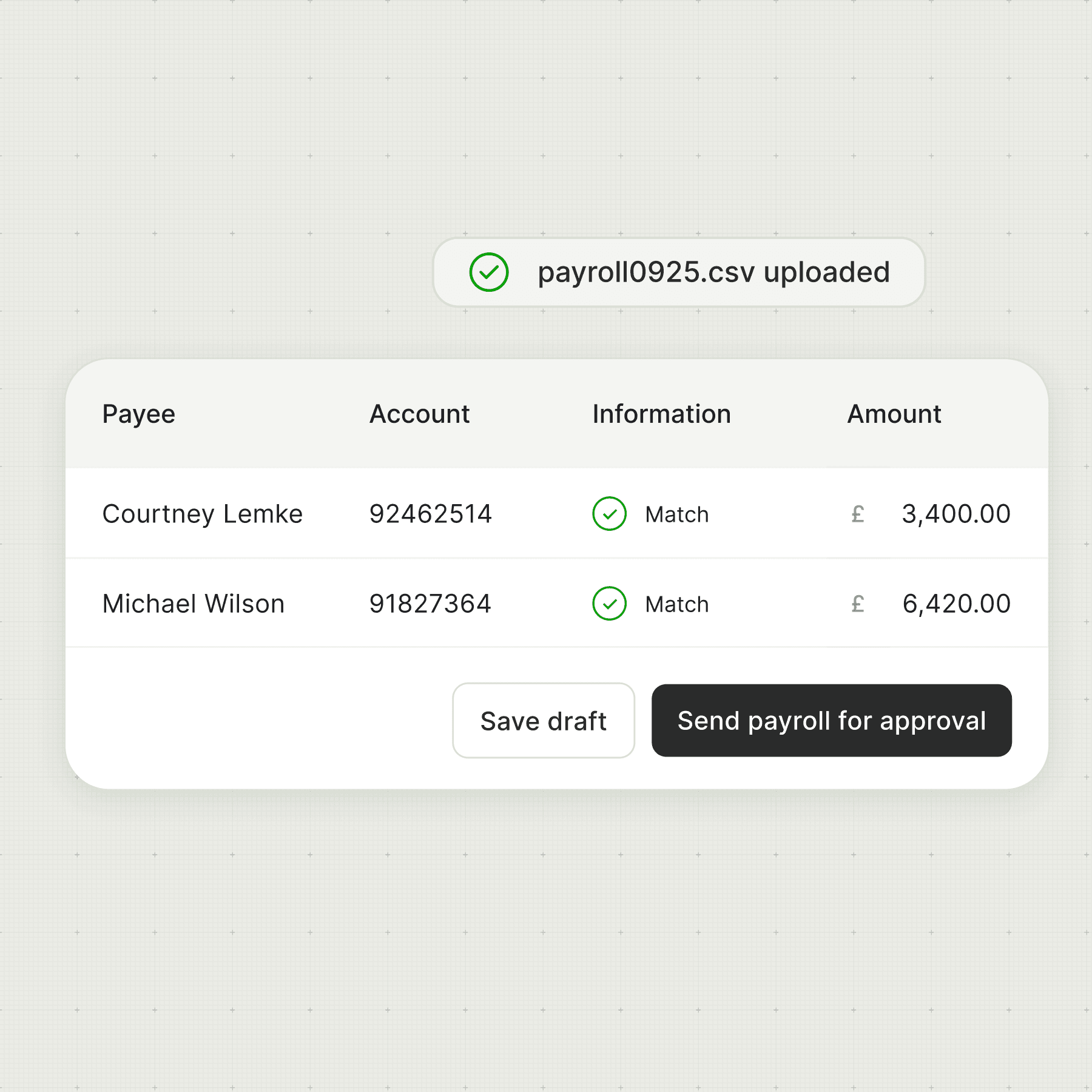
When a client uploads or emails a document, it's matched to the right transaction automatically. No manual sorting, no inbox triage. The workfile updates in real time.


Frequently asked questions
Does Document Collection work for clients who send documents in different formats?
Yes. Documents can arrive via email forwarding to a unique Mimo address, direct upload, or through a unique client portal. Mimo reads PDFs, images and standard document formats — extracting the key fields automatically regardless of how the document was produced or sent.
Can we control which clients receive automated reminders, or turn them off entirely?
What happens if a document arrives after we've already started the close?
How does Document Collection know what documents are missing for each client?
I don't want to change anything for my client. Can I still use Document Collection?